
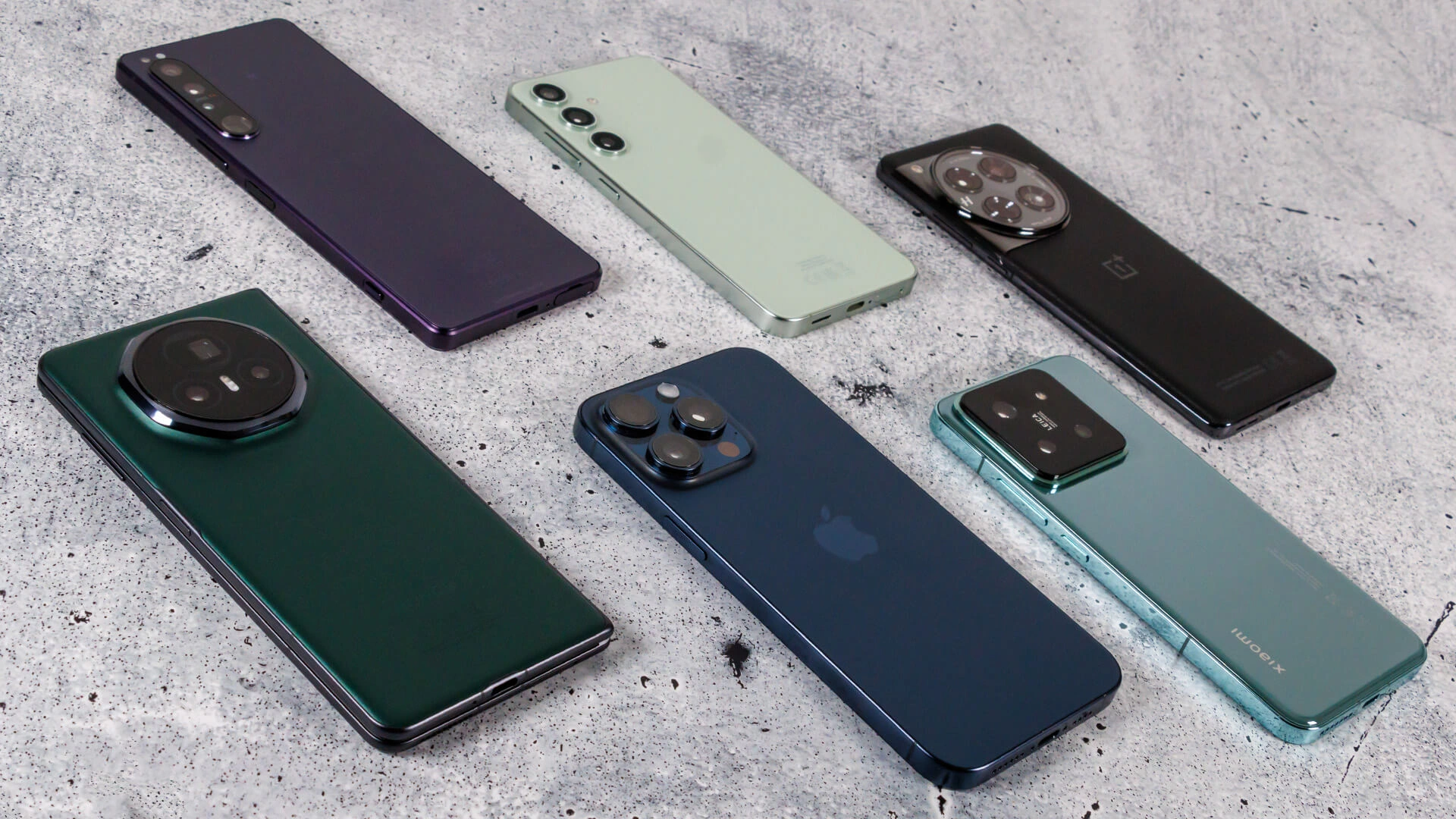
In the world of Sims 4, one of the most exciting features players can explore is the world of best smartphone mods. These mods allow players to enhance their in-game smartphones with custom content, sleek upgrades, and even entirely new interactive features. Sims 4 phone mods provide an opportunity to personalize the gaming experience in ways that the base game doesn’t offer. From updating the design of the phone itself to adding apps and interactive elements, the possibilities are vast.
Whether you’re looking to improve the look of your Sims’ phone or add additional functionalities, smartphone mods for Sims 4 are an excellent way to make your gameplay more immersive. In this guide, we’ll dive into the most popular smartphone mods, how to install them, and how you can customize your Sims’ digital world to reflect their personality.

Table of Contents
The Appeal of Smartphone Mods in Sims 4
Sims 4 phone mods have gained significant popularity due to their ability to transform a simple gameplay feature into something far more engaging. The Sims 4 phone custom content available today allows players to introduce new textures, designs, and functions for their Sims’ in-game phones. These mods make the game feel more authentic by providing custom, interactive smartphones for your Sims.
Players can enhance the appearance of the default phone with new skins, such as sleek iPhone mods, or even design entirely unique phones. Moreover, mods that bring new apps into the game can make your Sims’ phones feel as dynamic as the real-world devices they mimic. Whether it’s adding social media apps, messaging features, or entertainment options, these additions enhance the overall realism of the Sims’ daily lives. The ability to customize phones with unique skins, apps, and even accessories sets smartphone mods Sims 4 apart from other modding opportunities in the game.
Popular Smartphone Mods That Elevate Gameplay
There’s a wide array of Sims 4 phone mods to choose from, each offering a unique way to upgrade your Sims’ phones and further personalize their lives. Here are some of the top choices for players looking to enhance their gameplay:
iPhone Mod for Sims 4
One of the most sought-after mods is the iPhone replacement mod. This Sims 4 phone mod completely replaces the in-game phone with a more realistic and stylish iPhone. The mod doesn’t just update the phone’s aesthetic but also introduces new, interactive features. For instance, the new phone offers a more polished user interface with improved visuals and better interaction capabilities. The Sims 4 phone skins that come with this mod allow for further customization, enabling players to make the phone truly reflect the personality of their Sims.
Phone Accessories and Skins
For players who enjoy adding a personal touch, the Sims 4 phone accessories mod provides an exciting way to customize the in-game phone. This mod allows you to change the appearance of your Sims’ phones with stylish phone cases, unique skins, and vibrant colors. Whether your Sim prefers a minimalistic design or a bold, eye-catching pattern, there are plenty of options available to match their style.
Sims 4 Phone Apps Mod
A standout feature of Sims 4 phone mods is the ability to add entirely new apps to the in-game phone. The Sims 4 phone apps mod introduces new apps, such as social media platforms, gaming apps, and productivity tools, that give your Sims additional ways to interact with their world. These added features make the phone feel more integrated into the daily activities of your Sims, adding another layer of depth to the gameplay.
These three popular mods are just the beginning of what is available. With each new update or mod released by the community, the range of options for enhancing your Sims’ phones grows exponentially.
Installing Smartphone Mods in Sims 4
If you’re new to modding in Sims 4, installing these mods is straightforward. Follow these steps to get started:
- Download the Mod: Find the mod files that you want to use, ensuring they are compatible with the version of Sims 4 you’re playing.
- Extract the Files: Most mod files come in compressed formats like .zip or .rar. Use an unzipping tool like WinRAR or 7-Zip to extract the files to a folder on your desktop.
- Move Files to the Mods Folder: Once extracted, move the mod files into your Sims 4 Mods folder. The Mods folder is located in your Documents > Electronic Arts > The Sims 4 directory.
- Enable Mods in the Game: Open the game, go to “Options,” and enable custom content and mods in the settings menu under the “Other” tab.
- Restart the Game: After you have moved the files and enabled the mods, restart your game to ensure that the new mods load correctly.
By following these simple steps, you’ll be able to incorporate Sims 4 phone mods into your gameplay and start personalizing your Sims’ phones right away.
Customizing Your Sims’ Phones with Mods
Now that you’ve installed the mods, you can begin personalizing your Sims’ phones. Here’s how you can add a unique touch to your Sims’ digital lives:
Change the Phone’s Skin
With the help of Sims 4 phone skins, you can easily update the phone’s appearance to match the style of your Sims. Choose from a variety of vibrant colors, sleek minimalist designs, or trendy patterns to customize the phone’s look. This small but impactful customization allows you to make the phone reflect your Sim’s personality.
Add New Apps
The Sims 4 phone apps mod is an excellent way to bring new functionality to your Sims’ phones. Players can add social media apps, entertainment apps, and even productivity tools to the phone. These apps give your Sims additional interaction options, making the phone feel like a more integrated part of their daily routines.
Customize Phone Accessories
To take customization even further, add phone cases or skins using the Sims 4 phone accessories mod. With a wide range of designs and styles, your Sims can have a phone that’s not only functional but also visually appealing.
Why You Should Consider Using Smartphone Mods in Sims 4
Incorporating smartphone mods Sims 4 into your game can significantly enhance your overall experience. Here are a few reasons why:
Increased Realism
By introducing Sims 4 realistic phone mods, you bring a higher level of realism to your game. The detailed, functional phones allow your Sims to interact with their world in more lifelike ways, such as checking their social media, making calls, or playing mobile games. This makes their daily lives feel more authentic and dynamic.
Greater Personalization
Customizing your Sims’ phones gives you the opportunity to further personalize your gameplay. With Sims 4 phone skins and accessories, you can give each Sim a phone that reflects their individual style. Whether it’s a tech-savvy teen or a professional adult, their phone can become an extension of their character.
Improved Gameplay Experience
As you introduce more interactivity with the Sims 4 phone apps mod, your Sims’ phones become a crucial part of their lives. This adds a layer of depth to the game, making the experience more engaging and fun.
Overall, smartphone mods for Sims 4 provide endless opportunities to enhance both the look and functionality of the in-game phones, ensuring your gameplay is both exciting and personalized.
Exploring Other Popular Mods to Enhance Sims 4
While Sims 4 phone mods are a great way to improve your gameplay, there are plenty of other mods available to further enhance your Sims’ experience. Sims 4 custom content offers numerous options for improving the visual appeal of your Sims’ homes, clothing, and even their personalities. Additionally, Sims 4 realistic mods like lighting and weather mods can make your game feel even more immersive.
UI mods, such as the Sims 4 UI Cheats Extension, allow you to streamline your experience by improving the game’s interface. These mods complement smartphone mods by improving the overall aesthetic and functionality of the game.
Final Thoughts
Incorporating smartphone mods Sims 4 into your game opens up a world of possibilities for enhancing the realism and customization of your Sims’ lives. Whether you’re changing the phone’s appearance with Sims 4 phone skins, adding new apps, or upgrading its features, these mods provide endless ways to personalize your gameplay. The Sims 4 phone mods you choose can transform the phone into a powerful tool in the game, giving your Sims greater depth and interactivity. Start exploring these mods today and take your Sims 4 phone customization to the next level.
Frequently Asked Questions
How do I install Sims 4 smartphone mods?
To install Sims 4 phone mods, download the mod, unzip the files, move them to your Mods folder, and enable custom content in the game settings.
Can I create my own phone mods for Sims 4?
Yes, using tools like Sims 4 Studio, you can create custom phone mods, including new skins, apps, and features.
Where can I find the best smartphone mods for Sims 4?
You can find high-quality Sims 4 phone mods on popular modding websites.
How do I update my Sims 4 phone mods?
To update your mods, simply download the latest version and replace the old files in your Mods folder.

I’m Rosita Lester! I blog about tech, how to use it, and what you should know. I love spending time with my family and sharing stories of the day with them.